

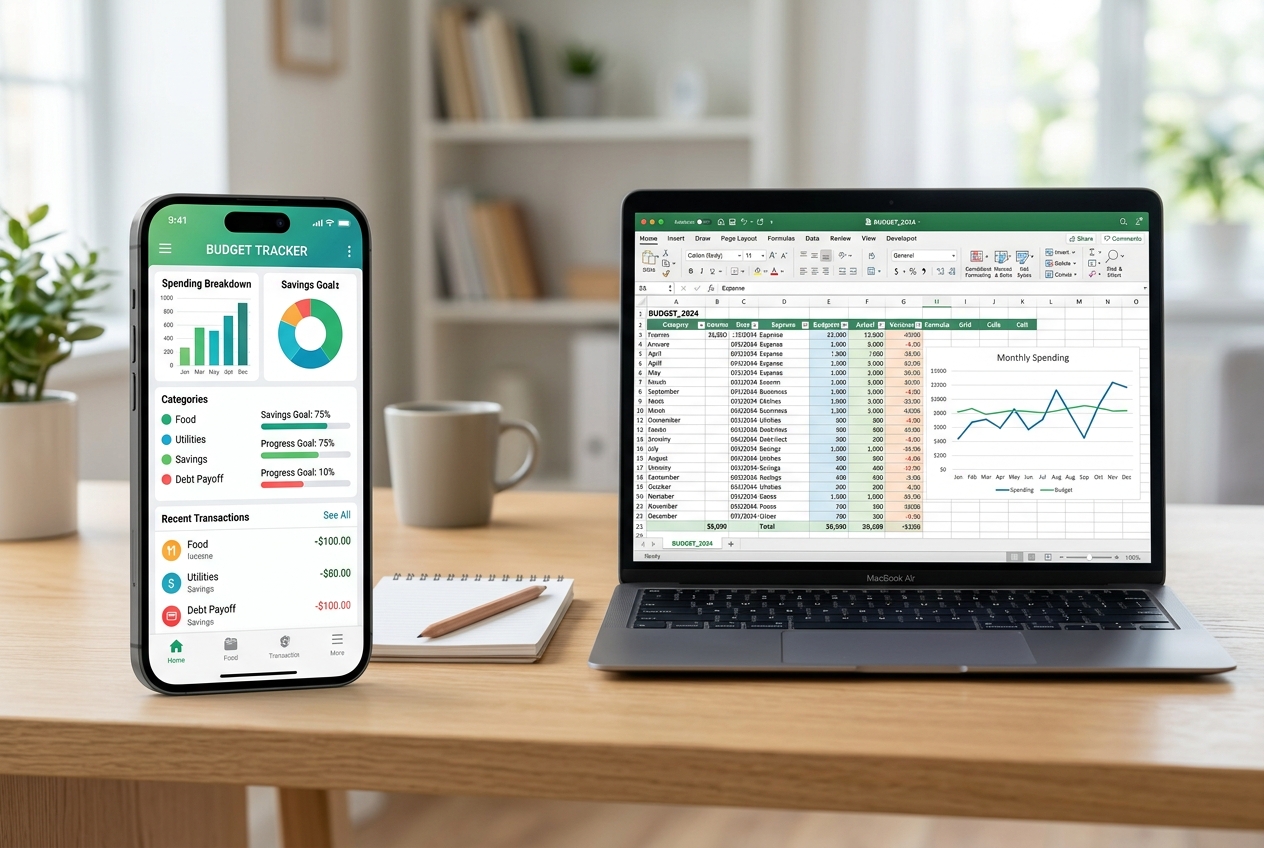

Discover how budgeting apps and spreadsheets compare, helping you choose the right tool to keep your finances on track and stay confident about your goals.
Managing money feels overwhelming, especially when you’re juggling bills, savings, and unexpected expenses. Whether you prefer a sleek app or a classic spreadsheet, the right tool can turn chaos into clarity. This guide walks you through the pros, cons, and practical steps to stay on budget.
Key Takeaways
- Apps automate tracking and send real‑time alerts.
- Spreadsheets offer full customization and transparency.
- Automation can hide errors if not reviewed.
- Manual entry builds deeper financial awareness.
- Security varies: apps need strong passwords, spreadsheets rely on file protection.
- Choosing depends on tech comfort and financial goals.
- Hybrid approaches capture the best of both worlds.
What Are Budgeting Apps?
Budgeting apps are mobile‑first platforms that connect to banks, categorize transactions, and visualize spending in dashboards.
Expert Insight: A financial‑coach recommends starting with a free tier to test automatic categorization before committing to a paid plan.
These tools often include goal‑setting, bill reminders, and community challenges, making financial habits social and gamified. Consumer Financial Protection Bureau explains how digital budgeting can improve saving rates, while National Foundation for Credit Counseling highlights the importance of data security in app selection.
What Are Spreadsheets for Personal Finance?
Spreadsheets are grid‑based documents—like Microsoft Excel or Google Sheets—where users manually input income, expenses, and formulas to calculate balances.
Expert Insight: A CPA notes that custom formulas can flag overspending instantly, but they require a solid grasp of spreadsheet logic.
They excel in flexibility, allowing multi‑year forecasts, scenario analysis, and integration with other data sources. The U.S. Bureau of Labor Statistics reports that spreadsheet literacy correlates with better financial outcomes, and the U.S. Department of Education offers free tutorials on building budgeting templates.
Comparing Features and User Experience
Both approaches aim to keep you on track, but they differ in automation, flexibility, and learning curve.
Expert Insight: A fintech analyst suggests mapping your workflow first—if you need instant alerts, choose an app; if you crave deep analysis, a spreadsheet wins.
| Feature | Budgeting Apps | Spreadsheets |
|---|---|---|
| Automation | Bank sync, auto‑categorization | Manual entry or scripted imports |
| Customization | Limited to app templates | Unlimited formulas & charts |
| Learning Curve | Low – intuitive UI | Medium‑high – requires spreadsheet skills |
| Security | Encrypted cloud storage | File‑level protection, depends on user |
| Cost | Free‑to‑premium subscription | Often free (Google Sheets) or one‑time software purchase |
For a deeper dive into feature trade‑offs, see the Federal Reserve’s consumer finance data and the Consumer Reports guide to budgeting tools.
Tools / Practical Applications
Choosing the right tool depends on daily habits and long‑term goals.
Expert Insight: A budgeting blogger recommends using an app for day‑to‑day tracking and a spreadsheet for quarterly reviews.
Practical setups include:
- App‑first: Connect to accounts, set spending limits, receive push notifications.
- Spreadsheet‑first: Build a master ledger, then import monthly statements for reconciliation.
- Hybrid: Use an app for transaction capture, export CSV to a spreadsheet for custom analysis.
External resources such as the USA.gov financial tools page and the NASA’s open‑source data initiatives illustrate how data integration can enhance personal finance tracking.
What Should You Do Next?
Start with a short trial period to evaluate comfort and accuracy.
Expert Insight: Set a 30‑day experiment—track all expenses in an app, then replicate the data in a spreadsheet to compare insights.
Steps to follow:
- Identify your primary financial goal (e.g., debt payoff, emergency fund).
- Select a free budgeting app and link your accounts.
- Export the first month’s data as CSV.
- Import the CSV into a spreadsheet template and add custom charts.
- Review discrepancies, adjust categories, and decide which view feels more actionable.
Helpful guides are available from the National Institute of Standards and Technology on data security, and the CDC’s health‑finance intersection research for holistic budgeting.
Conclusion
Both budgeting apps and spreadsheets can keep you on track, but the best choice aligns with your personal style, technical comfort, and financial objectives.
Expert Insight: The most successful savers treat their budgeting tool as a living document—regularly reviewing, tweaking, and evolving it.
By testing, comparing, and iterating, you’ll discover a system that turns numbers into confidence.
AI Disclosure
This content was written by AI and reviewed by a human for quality and compliance.