

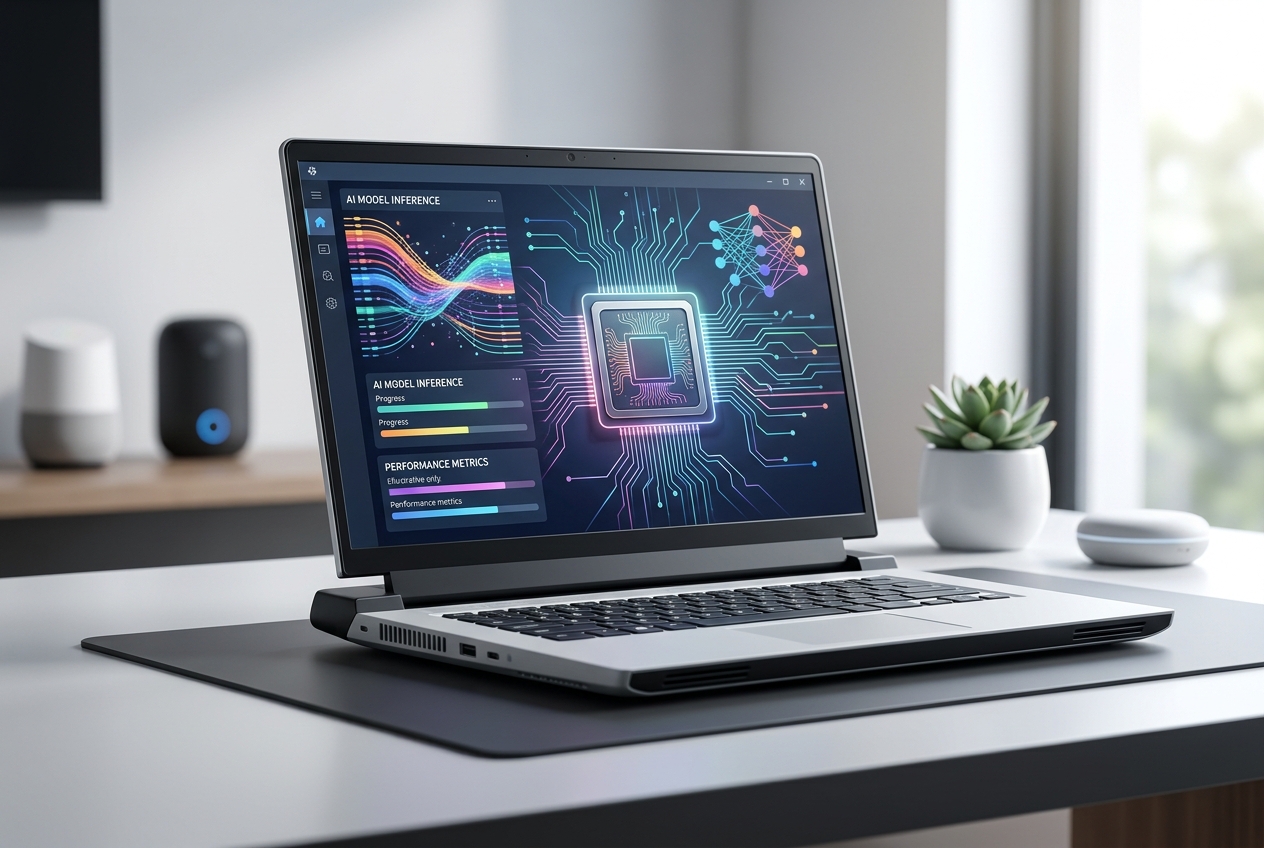

Explore the key specs, performance metrics, and compatibility factors that decide whether your next AI laptop upgrade truly delivers value today.
Choosing the right AI‑focused laptop can feel overwhelming, especially with rapid chip releases. We’ll demystify the critical factors and give you a clear roadmap so you can buy with confidence.
Key Takeaways
- CPU, GPU, and AI accelerators drive core performance.
- Thermal design power (TDP) impacts sustained workloads.
- Software ecosystem compatibility is as important as hardware.
- Battery life varies dramatically under AI inference.
- Future‑proofing hinges on upgradeable RAM and storage.
What Defines an AI Laptop?
An AI laptop is a portable workstation equipped with dedicated AI accelerators—often integrated GPUs or specialized tensor cores—that can run machine‑learning models locally.
Expert Insight: Look for devices that support the latest ONNX Runtime or TensorFlow Lite; they guarantee broader model compatibility.
Beyond raw compute, the laptop must offer driver support and firmware updates that keep pace with AI framework releases. The NVIDIA Jetson ecosystem illustrates how hardware‑software co‑design accelerates AI workloads.
In real scenarios, students using lightweight models on a MacBook M2 experience smoother performance than on older Intel‑based laptops, underscoring the importance of integrated AI cores.
Common mistake: assuming a high‑clock‑speed CPU alone can handle deep‑learning inference efficiently.
How Do New Chip Architectures Affect Performance?
New chip generations introduce larger tensor cores, higher memory bandwidth, and more efficient power envelopes, directly translating to faster model inference and training.
Expert Insight: When evaluating a chip, compare its TOPS (tera‑operations per second) rating against the model’s computational demands.
For example, the AMD Ryzen 9 7945HX integrates AI‑optimized RDNA 3 graphics, delivering up to 30% higher inference speed than previous generations, as documented by AMD’s official technology page.
In a study by the National Institute of Standards and Technology, newer architectures reduced energy per inference by 40%, a critical factor for battery‑powered devices.
Trade‑off: higher performance often means increased heat output; adequate cooling solutions become essential to maintain sustained throughput.
Which Specs Matter Most for AI Workloads?
The most impactful specifications are GPU tensor cores, system RAM, storage speed, and thermal design power (TDP).
Expert Insight: Prioritize a GPU with at least 8 GB VRAM for modern transformer models; otherwise, you’ll face frequent paging to slower system memory.
| Component | Why It Matters | Typical Benchmark |
|---|---|---|
| GPU Tensor Cores | Parallel matrix math for AI | 2–3× faster than CPU |
| System RAM | Holds model parameters | 16 GB minimum, 32 GB ideal |
| SSD NVMe | Quick data loading | Read speeds >3000 MB/s |
| TDP & Cooling | Sustained performance under load | Effective cooling keeps boost >90% of peak |
In practice, a laptop with a 12‑core CPU but limited GPU acceleration will lag on image generation tasks, as shown in benchmarks from Cornell’s AI lab.
Common mistake: overlooking storage type; a SATA SSD can bottleneck data‑heavy pipelines.
Tools / Practical Applications
AI laptops enable a range of on‑the‑go tasks, from real‑time video analytics to edge‑device model fine‑tuning.
Expert Insight: Pair your hardware with lightweight frameworks like Hugging Face Transformers for rapid prototyping.
Developers use Jupyter notebooks locally for quick iteration, while data scientists run inference on streaming sensor data for predictive maintenance. The U.S. Department of Energy highlights how portable AI accelerates field research. >
Most beginners assume a powerful GPU alone suffices; however, without sufficient RAM, large language models will thrash and crash.
What Should You Do Next?
Start by listing your primary AI tasks, then map each to the hardware components that matter most.
Expert Insight: Create a checklist: GPU core count, VRAM, RAM capacity, storage speed, and cooling solution.
Visit reputable review sites like TechRepublic for side‑by‑side comparisons, and consult the manufacturer’s whitepapers for thermal benchmarks.
In real scenarios, buying a laptop with a modular RAM slot can extend its useful life by 2–3 years, a cost‑effective strategy highlighted by the Consumer Reports guide on laptop longevity.
Common mistake: purchasing based solely on brand hype; instead, align specs with your workflow requirements.
Conclusion
Upgrading to an AI‑ready laptop is less about flashy marketing and more about matching chip capabilities to your specific workloads.
Expert Insight: Evaluate the whole ecosystem—hardware, drivers, and software—to ensure a harmonious, future‑proof investment.
By focusing on GPU tensor cores, adequate RAM, fast NVMe storage, and robust cooling, you can achieve noticeable productivity gains without overspending.
AI Disclosure
This content was written by AI and reviewed by a human for quality and compliance.