

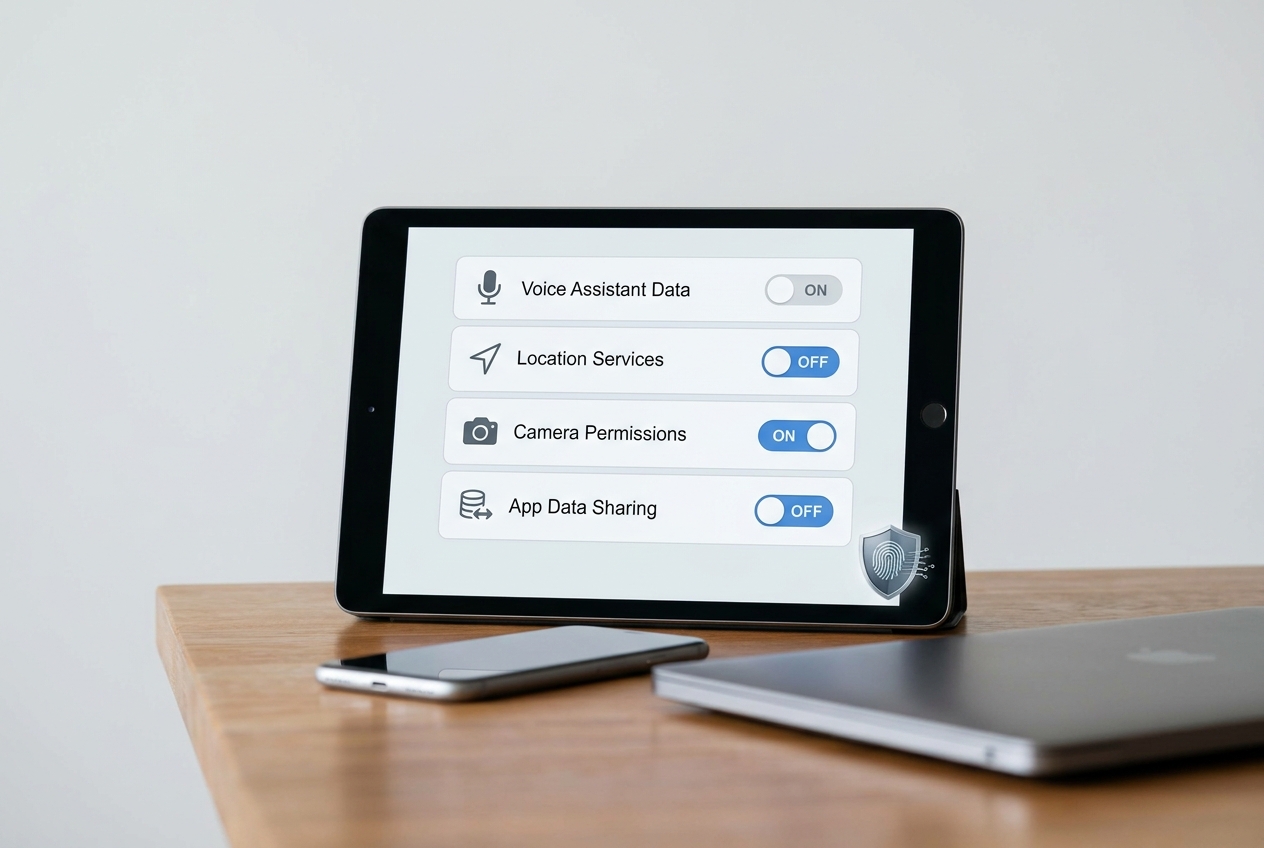

Learn which AI privacy settings to audit on smartphones, laptops, and smart devices to protect your data and stay in control and keep your data safe.
We all rely on AI‑powered assistants, cameras, and recommendation engines, yet many of us never check what they’re collecting. This guide walks you through the most critical settings, explains why they matter, and shows how to lock down your digital life today.
Key Takeaways
- Review app permissions regularly.
- Disable voice data storage when not needed.
- Use built‑in privacy dashboards.
- Update firmware to patch AI models.
- Leverage third‑party privacy tools.
What Are AI Privacy Settings?
AI privacy settings are the controls that let you decide what data an artificial‑intelligence service can collect, store, and use on a device.
Expert Insight: Most operating systems now bundle a “privacy dashboard” that aggregates AI‑related permissions in one view, making audits far simpler.
For a clear definition, see the FTC’s privacy guidance and the NIST Privacy Framework.
Why Do They Matter?
AI models can infer sensitive information from seemingly innocuous data, turning a simple voice command into a detailed profile.
Expert Insight: A common mistake is assuming that “off” means “gone”; many services retain data for analytics unless you explicitly delete it.
Research from the Electronic Frontier Foundation shows that unchecked AI data collection can lead to targeted advertising and even discrimination.
Core Settings to Review
Below is a quick checklist of the most impactful AI privacy toggles across major platforms.
| Setting | Description | Recommended Action |
|---|---|---|
| Voice Assistant Data | Stores recordings for model improvement. | Disable cloud storage or delete history weekly. |
| Camera Scene Detection | Analyzes images for smart features. | Turn off “Smart Photo” and similar services. |
| App Permission for Microphone | Allows apps to capture audio. | Grant only to trusted apps; revoke otherwise. |
| Location‑Based AI | Uses GPS to personalize suggestions. | Set to “While Using the App” or “Never”. |
| Predictive Text & Autocorrect | Collects typed data to improve language models. | Opt out of data sharing in keyboard settings. |
Expert Insight: In real scenarios, disabling cloud‑based learning can reduce personalization but dramatically improves privacy.
For deeper guidance, consult the Stanford Privacy Center and the Consumer Reports privacy guide.
Tools / Practical Applications
Several utilities help you audit and enforce AI privacy settings without manual digging.
Expert Insight: Using a privacy‑focused firewall can block unwanted AI telemetry at the network level.
Popular tools include PrivacyTools.io for device hardening and Exodus Privacy for scanning Android apps for hidden trackers.
Government resources such as the USA.gov privacy portal also list vetted security apps.
What Should You Do Next?
Start by running a quick audit using the checklist above, then apply the recommended actions.
Expert Insight: Schedule a quarterly review; privacy settings evolve with each OS update.
For step‑by‑step instructions, see the University‑level data‑privacy course and the NIST framework implementation guide.
Conclusion
AI privacy is not a set‑and‑forget feature; it requires ongoing vigilance and informed choices.
Expert Insight: Treat your device’s AI settings like a lock on a front door—regularly check the bolts and replace the key if needed.
By reviewing the settings outlined here, you protect personal data, maintain autonomy, and stay ahead of emerging regulations.
AI Disclosure
This content was written by AI and reviewed by a human for quality and compliance.